
How to Sync LED Lights to Your Monitor
The three ways LED lights can follow a monitor, which one fits your setup, and how to set up screen-sync software on a PC or Mac.
 By Ethan Cole
Updated October 30, 2026
LED lights that change with what is on your monitor, often called ambilight after Philips’ TV feature, can work three ways: software on the computer, a camera pointed at the screen, or a microphone that reacts to sound. Most kits sold for monitors use the first. Which one you need depends mostly on what feeds the screen: a PC, a Mac, or a game console.
For kit recommendations, see our guide to the best monitor backlights.
The Three Ways to Sync
| Method | How it works | Follows a PC | Follows a console | Examples |
|---|---|---|---|---|
| Desktop software | A program reads the screen and sends colors to the strip over USB or Wi-Fi | Yes | No | Govee Desktop, Skydimo, SyncLight, Nanoleaf Desktop App, Hue Sync |
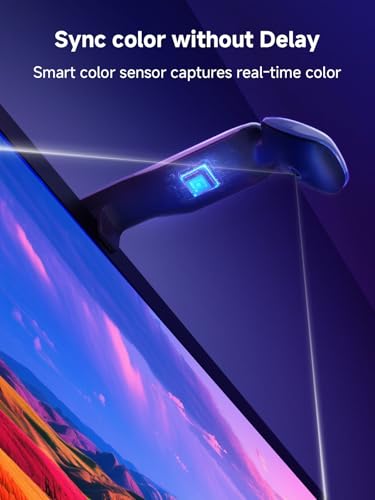
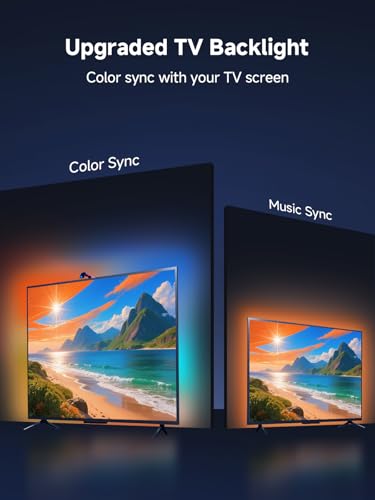
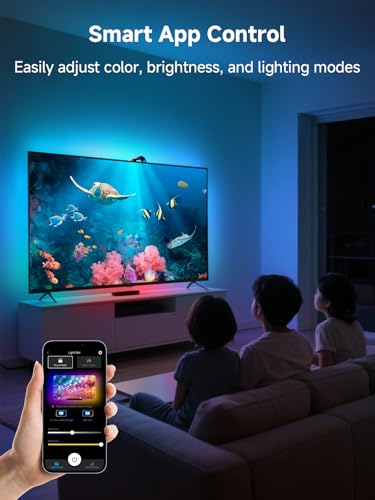
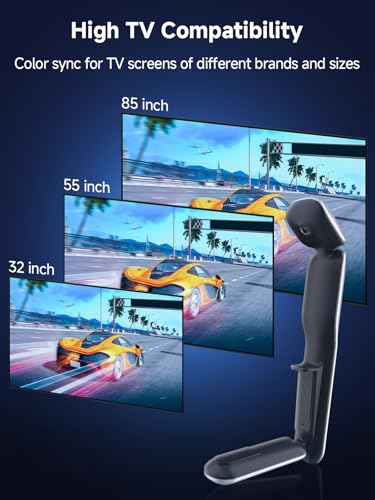
| Camera | A small camera above the screen watches the picture | Yes | Yes | TV kits that list PC monitors, such as KANTUTOE’s 32 to 50 inch kit |
| Music or sound | A microphone or audio capture reacts to sound, not the picture | Sound only | Sound only | Most USB RGB strips |
Which Method Fits Your Setup
PC or Mac only
Use a software kit. It reads exactly what the computer draws, needs no camera, and has nothing in front of the screen. Check that the software supports your operating system: some kits are Windows only.
Console on the monitor
Software kits cannot see a PS5, Xbox, or Switch plugged straight into the monitor. A camera kit can, because it watches the screen itself. Most camera kits are sold for TVs, so pick one whose strip length fits your monitor and that has room for the camera on top. Our camera TV backlight guide covers the options.
Just want lights that move
A music-sync USB strip reacts to sound with no software. It does not follow the picture, but it is the cheapest way to add movement. See monitor backlights under $30.
Setting Up Screen-Sync Software
- Install the strip behind the monitor first, noting where it starts and which way it runs. See how to put LED lights behind a monitor.
- Plug the strip into the computer. Some kits ask for a USB 3.0 port or a powered hub.
- Download the maker’s software from the link in the manual or listing: for example Govee Desktop for the Govee G1, Skydimo for wacuaao, Fiotura, Soleil, and hnlife kits, SyncLight for RZJSKJZM, DX-Lighting for DS, or the Nanoleaf Desktop App.
- Let the software detect the strip, then choose the display to read if you have more than one.
- Set the layout: the number of sides, the start corner, and the direction (clockwise or counterclockwise).
- On macOS, grant Screen Recording permission when asked, then restart the app. Without it, the software cannot read the screen.
- Turn on screen sync, then adjust brightness, saturation, and smoothing to taste.
Why Some Video Will Not Sync
Several sellers, including Govee, Fiotura, and YIKEMJERP, warn that some streaming content is copy-protected. Screen-sync software reads the display the way a screen capture tool does, and protected video shows up as black to it, so the lights do not follow. Games, local video files, and the desktop are generally not affected. A camera kit is not affected by this, because it watches the physical screen.
Multiple Monitors
Most screen-sync programs let you choose which display to read. Running a strip on each monitor needs a kit and software that support multiple devices; Govee, Skydimo-based kits, and RZJSKJZM all describe controlling several of their lights at once. Check before buying a second strip.
Combining With Other Lights
Some ecosystems extend sync to the room. Govee lists syncing the G1 with other Govee gaming lights and with Razer Chroma. Philips Hue’s sync app drives any Hue lights in an entertainment area. Skydimo-based kits describe syncing all Skydimo products together.

Govee Gaming Light for Monitor G1


As an Amazon Associate we earn from qualifying purchases. Product prices and availability are accurate as of the date/time indicated.

wacuaao 27 Inch Monitor Backlight


As an Amazon Associate we earn from qualifying purchases. Product prices and availability are accurate as of the date/time indicated.

Prime KANTUTOE SSG-104 10.5ft TV LED Backlight


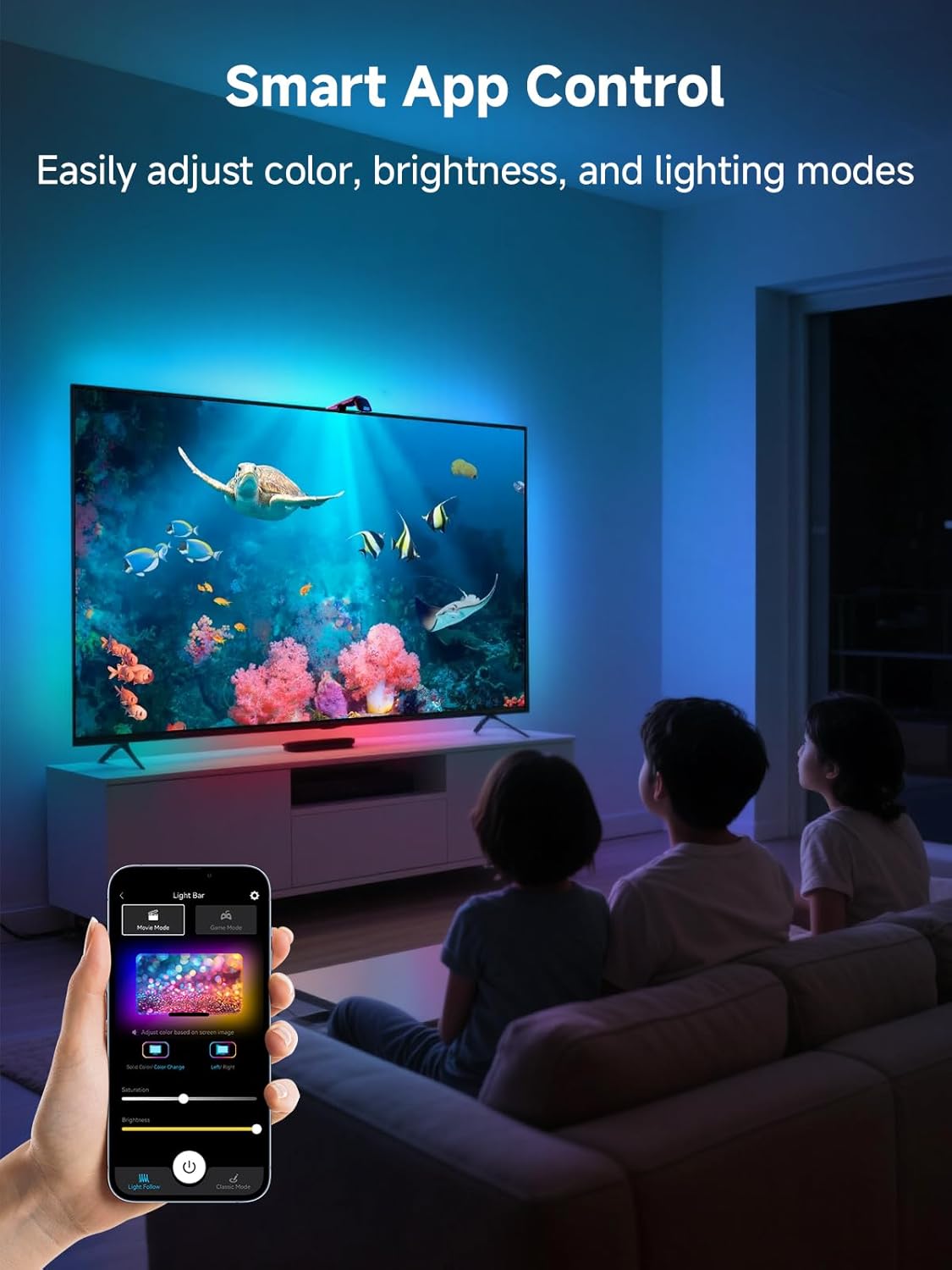
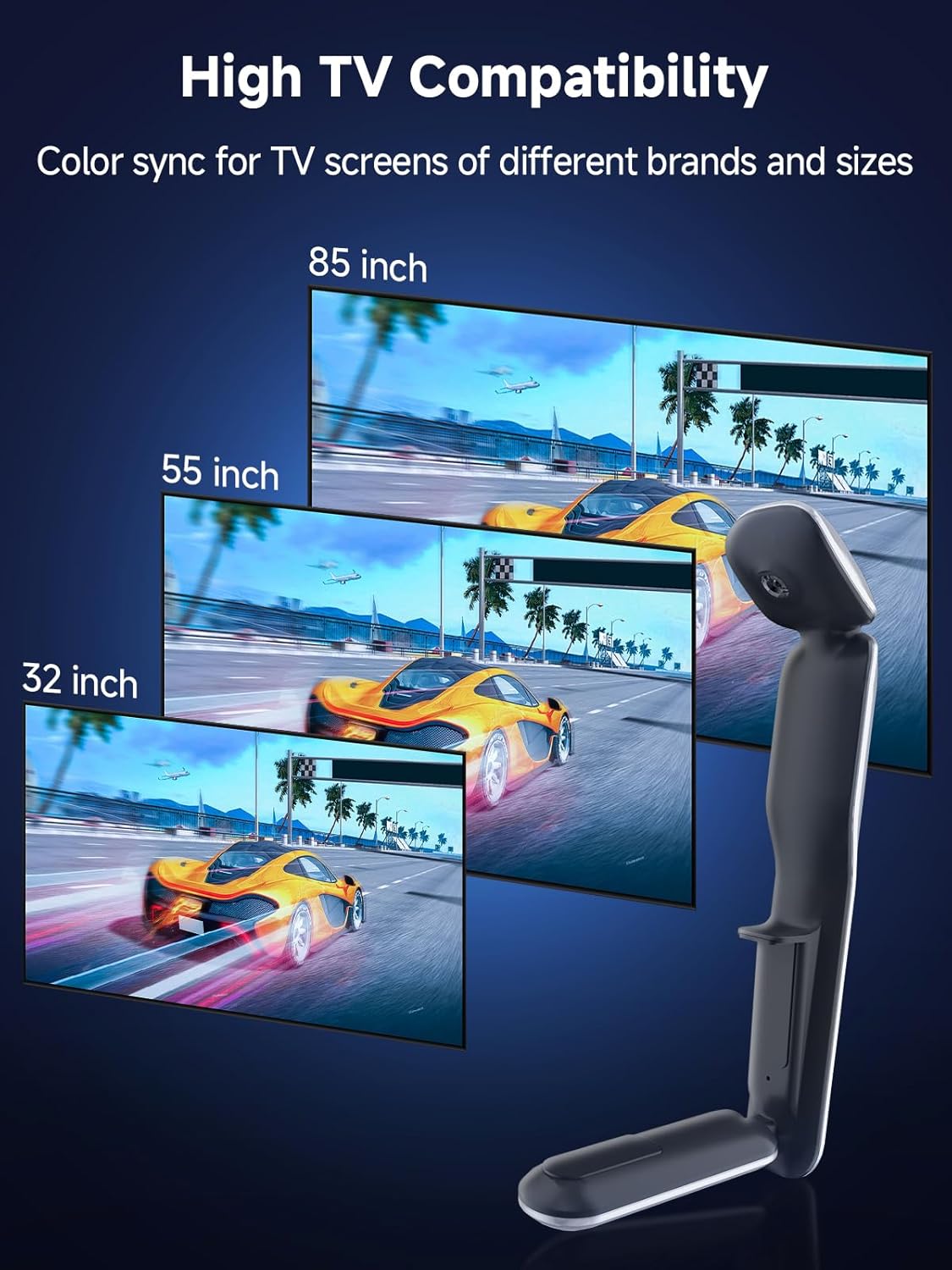
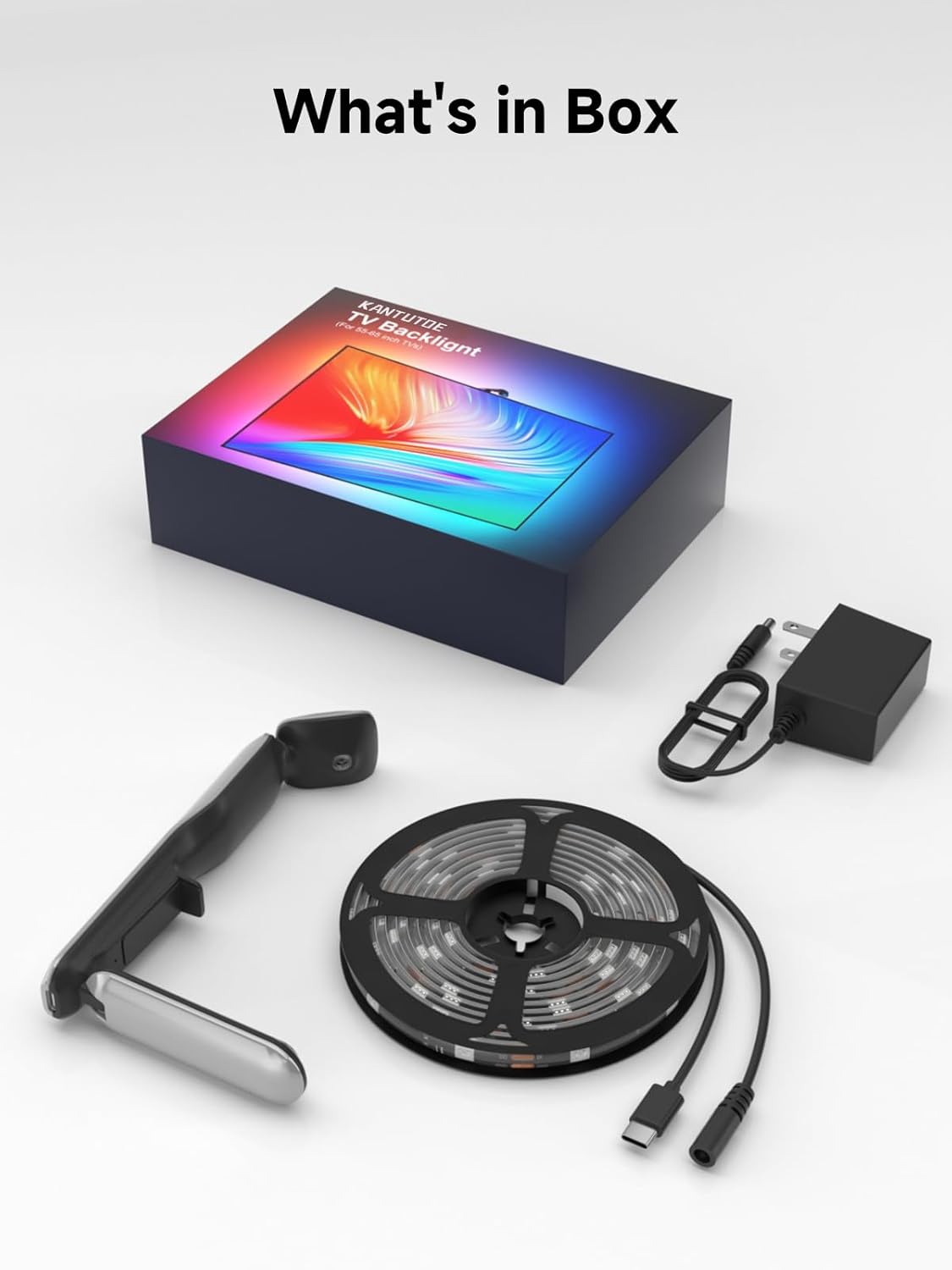



As an Amazon Associate we earn from qualifying purchases. Product prices and availability are accurate as of the date/time indicated.
Who Should Look Elsewhere
If you want light for working or reading at the desk, screen sync is the wrong tool: the colors move constantly and do not light the desk. A white bias light or a monitor light bar fits better; see our monitor bias lighting guide.
Sources
Software names, platform support, and limits come from each maker’s Amazon listing, checked October 2026. We did not install these kits ourselves. Our method is on the How We Review page.
Frequently Asked Questions
Can LED lights sync with a monitor without software?
Only with a camera kit, which watches the screen. Plain USB strips without software can react to music but not to the picture.
Why are my monitor lights not syncing on a Mac?
Usually the Screen Recording permission. Open System Settings, allow it for the lighting app, and restart the app.
Do monitor sync lights add input lag?
The lights are separate from the video signal, so they do not delay the picture. The lights themselves may trail fast changes slightly.
Can I sync lights to a game console on a monitor?
Use a camera kit. Software kits only see what the computer displays.
About the author
Ethan Cole leads research and editing at WikiHomeLED, comparing LED lighting for the home through manufacturer specs, manuals, safety listings and owner feedback. Every product is scored against the criteria on our How We Review page, and picks are updated when models change.