
TV Backlight Camera vs HDMI Sync Box: How Screen Sync Works
TV backlights follow the picture in one of two ways: a camera that watches the screen or an HDMI box that reads the signal. Here is how each works and who each one suits.
 By Ethan Cole
Updated October 30, 2026
A TV backlight that changes with the picture needs some way to know what is on the screen. There are two methods on the market: a camera that looks at the screen, and an HDMI sync box that reads the video signal on its way to the TV. A third group of kits does not sync at all. Each has clear strengths and limits, and picking the right one matters more than picking a brand.
The Three Types at a Glance
| Camera kit | HDMI sync box | No sync (USB or smart strip) | |
|---|---|---|---|
| What it reads | The screen itself | The HDMI video signal | Nothing; you pick a color or it reacts to sound |
| Works with the TV’s built-in apps | Yes | No | Not applicable |
| Works with consoles and streaming boxes | Yes | Yes, if plugged into the box | Not applicable |
| Affected by room light | Yes | No | No |
| Visible hardware | Small camera on the TV | A box near the TV | Strip only |
| Can limit console output | No | Yes, if the box’s HDMI version is lower than the console’s | No |
| Typical cost | Lowest of the sync types | Higher | Lowest overall |
How Camera Kits Work
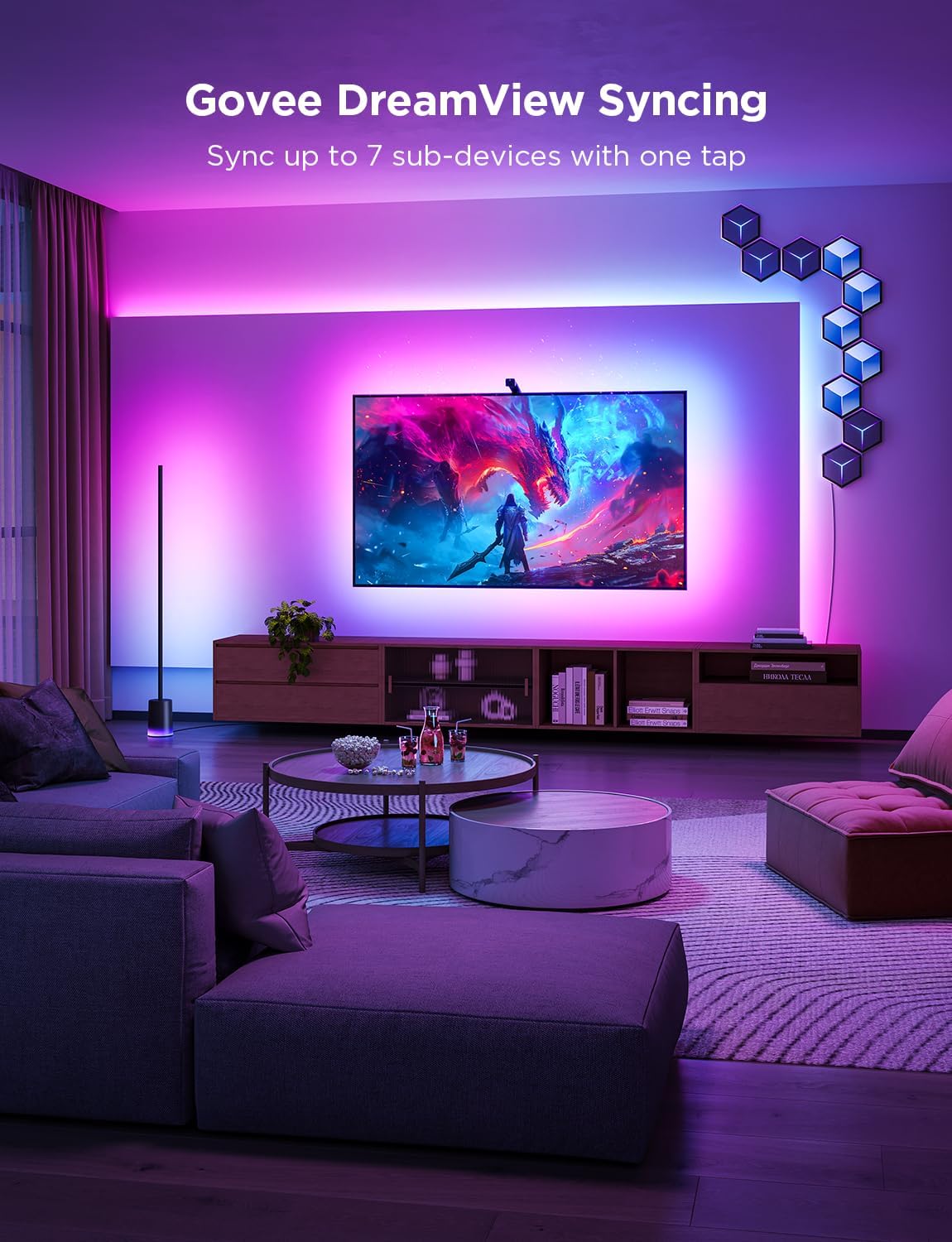
A small camera clips or hangs on the top edge of the TV (some, like the Nanoleaf 4D V2, can go below), points at the screen, and sends colors to a control box that drives the strip. Because it sees the picture, it works with any source: the TV’s own Netflix app, cable, a game console, or a laptop.
The limits come from the camera itself. It sees reflections and room light as well as the picture, so makers advise calibrating in a dim room; Govee tells buyers to avoid strong direct light. Accuracy at the screen corners varies by design, which is why makers advertise fish-eye correction, dual lenses, or multiple zones. And some buyers simply do not want a camera facing the couch; Nanoleaf includes a lens cover, and Ailofy states its camera only detects colors and does not record.

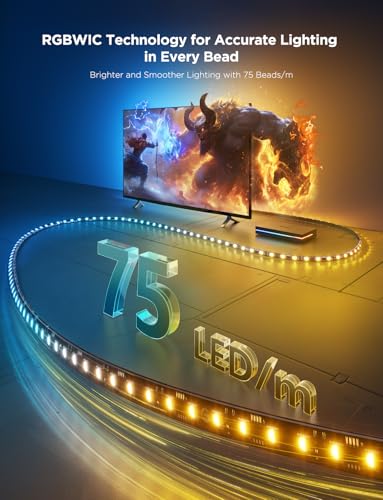
Govee TV Backlight 3 Lite LED Strip Lights




As an Amazon Associate we earn from qualifying purchases. Product prices and availability are accurate as of the date/time indicated.
Compare camera kits in TV backlights with a camera.
How HDMI Sync Boxes Work
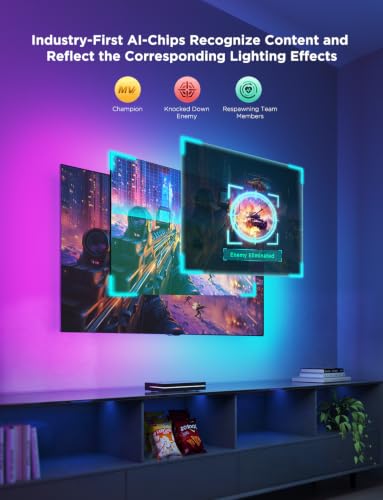
An HDMI sync box sits between your devices and the TV. Your console or streaming box plugs into the box, and one cable runs on to the TV. The box reads the colors from the signal itself, so room light has no effect and nothing hangs on the screen.
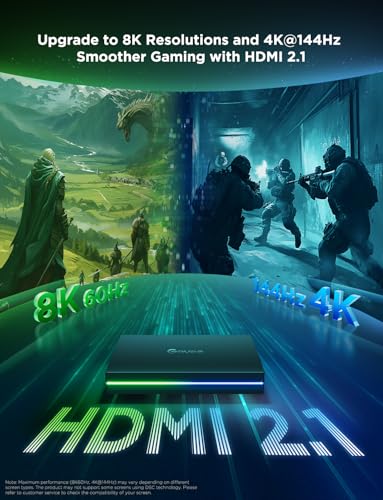
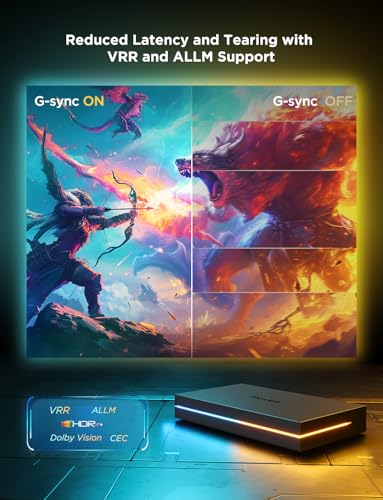
The catch is that the box only sees what passes through it. Philips states its Hue Sync Boxes do not sync with smart TV apps, and the same applies to every HDMI box. The box’s HDMI version also matters: a box rated for 4K at 60Hz can hold back a console that sends 4K at 120Hz. Govee’s AI Sync Box 2 lists HDMI 2.1 with 4K at 144Hz, and the Hue Sync Box 8K lists 4K at 120Hz. Govee also notes HDR and Dolby Vision can reduce color saturation in the lights, which you can adjust in its app.

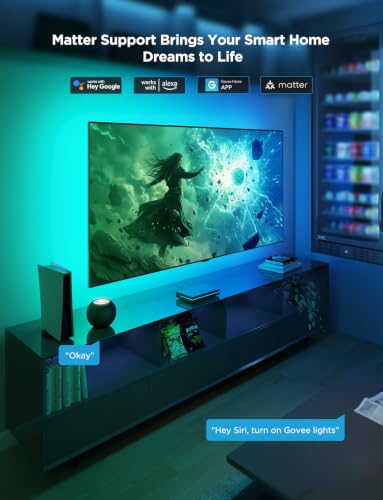
Prime Govee HDMI 2.1 AI Sync Box 2, 8K/4K @144Hz



As an Amazon Associate we earn from qualifying purchases. Product prices and availability are accurate as of the date/time indicated.
Compare HDMI kits in TV backlights without a camera.
Kits That Do Not Sync
Many TV backlights do not follow the picture at all. USB strips glow in a color you choose, often with a remote and a microphone for music mode, and smart strips add Wi-Fi and voice control. Some listings say “sync” when they mean music sync, so look for the words camera or HDMI if you want screen sync. These are the lowest-cost kits, see TV backlights under $50.
Which Method Should You Choose?
- You watch mostly in the TV’s own apps: camera kit.
- Everything runs through a console, streaming box, or receiver: HDMI box, or a camera kit if you want it simpler.
- You game at 4K 120Hz: a camera kit, or an HDMI 2.1 box only. See TV backlights for gaming.
- Your room is bright or has lamps that reflect on the screen: HDMI box.
- You do not want a camera in the room: HDMI box, or a no-sync strip.
- You want a soft, steady glow: no-sync strip, ideally with a white mode.
Who Should Look Elsewhere
If moving color behind the TV would distract you during films, a white or single-color strip does the job of lighting the wall at a much lower cost. Our TV bias lighting guide explains that setup.
How We Researched This
This guide draws on manufacturer listings for the camera kits and HDMI boxes we have reviewed, including Govee, Philips Hue, Nanoleaf, and Ailofy, checked October 2026. We did not install these products. Our method is on the How We Review page. For specific picks, start with the best TV backlights.
Frequently Asked Questions
Do TV backlights without a camera sync to the screen?
Some do, through an HDMI sync box. Others without a camera do not sync to the picture at all and only change color by remote, app, or sound.
Does a camera TV backlight record video?
Makers describe the cameras as color sensors for syncing. Ailofy, for example, states its camera does not record. Nanoleaf includes a lens cover.
Why does my HDMI sync box not work with Netflix?
If Netflix runs in the TV’s own app, the video never passes through the box. Play it from a streaming device plugged into the box instead.
Which is more accurate, camera or HDMI?
HDMI, because it reads the signal directly and ignores room light. Camera kits have improved with multi-zone and HDR sensors, but they still see the room.
About the author
Ethan Cole leads research and editing at WikiHomeLED, comparing LED lighting for the home through manufacturer specs, manuals, safety listings and owner feedback. Every product is scored against the criteria on our How We Review page, and picks are updated when models change.