
Govee TV Backlight vs Philips Hue: Which TV Sync Setup to Buy
Govee's camera kit and Philips Hue's HDMI setup take different routes to screen sync. We compare what each needs, what it syncs, and who each one suits.
 By Ethan Cole
Updated October 29, 2026
Govee and Philips Hue are the two names most people compare for a TV backlight, but the comparison is less about brand than about method. Govee’s best-selling kit, the TV Backlight 3 Lite, uses a camera on the TV and comes complete in one box. Philips Hue uses a gradient lightstrip that follows the picture through a separate HDMI Sync Box and Hue Bridge. This guide compares the two setups, and adds Govee’s own HDMI option, the AI Sync Box 2, for a like-for-like check.
Quick Answer
Choose the Govee TV Backlight 3 Lite if you want screen sync from one purchase that works with every source, including the TV’s own apps. Choose Philips Hue if your home already runs Hue and your viewing comes through a streaming box or console, so the HDMI Sync Box can see it.
Side-by-Side Comparison
| Govee TV Backlight 3 Lite | Philips Hue Play Gradient + Sync Box | |
|---|---|---|
| What reads the picture | Camera on top of the TV | HDMI Sync Box between your devices and the TV |
| Pieces to buy | One kit (strip, camera, control box) | Lightstrip, HDMI Sync Box, and Hue Bridge |
| Syncs the TV’s built-in apps | Yes | No, per Philips |
| Affected by room light | Yes, a camera sees reflections | No |
| White light | RGBICW, added warm white chip | White and Color Ambiance, warm to cool white |
| Listed sizes | 55 to 65 and 75 to 85 inch kits | 55, 65, and 75 inch strips |
| Smart home | Govee Home app, Alexa, Google Assistant | Hue app, Alexa, Google Assistant; Sync Box listings add Apple Home |
| Amazon rating (October 29, 2026) | 4.5 (10,600+) | Strip 4.2 (2,300+); 8K Sync Box 4.1 (350+) |

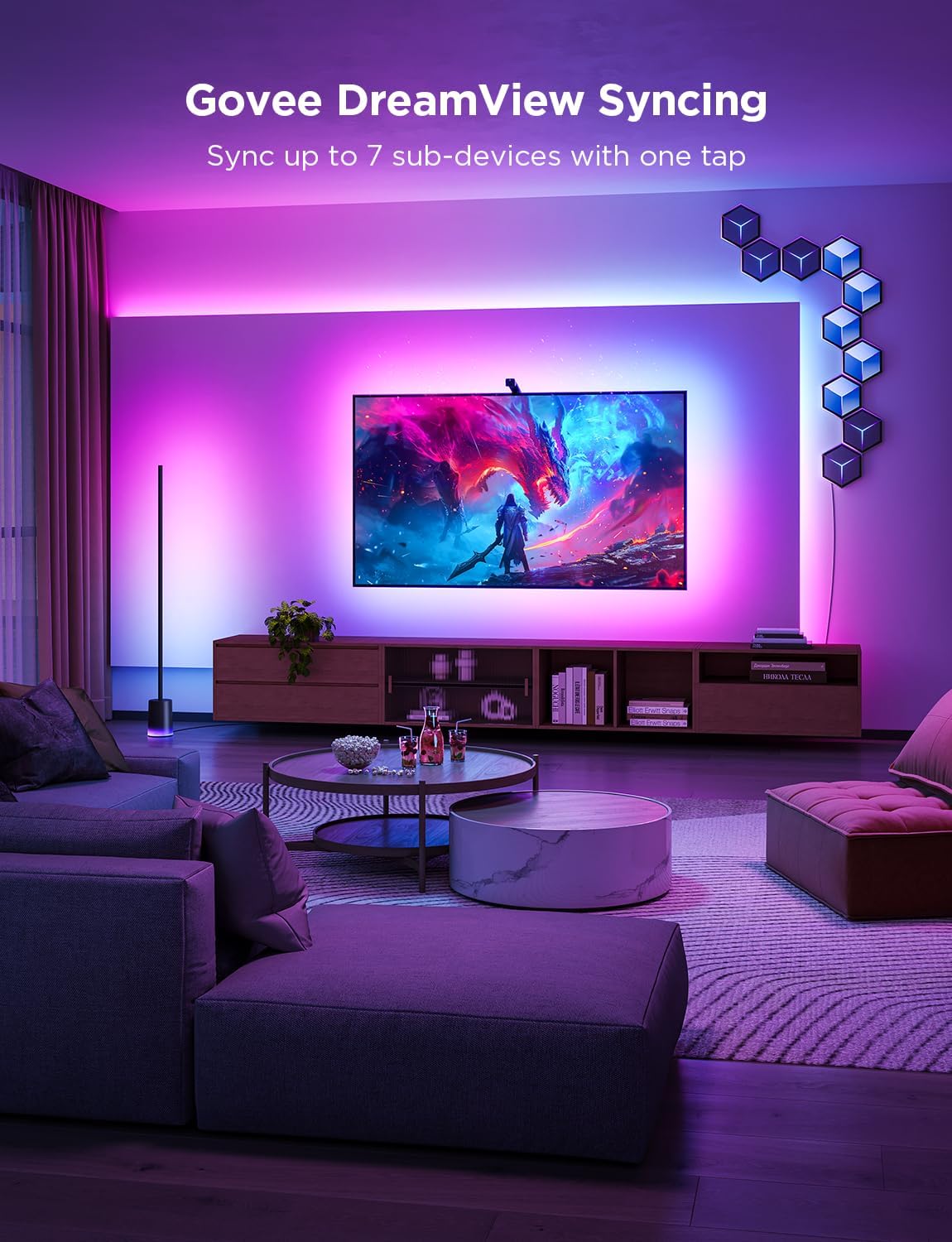
Govee TV Backlight 3 Lite LED Strip Lights




As an Amazon Associate we earn from qualifying purchases. Product prices and availability are accurate as of the date/time indicated.
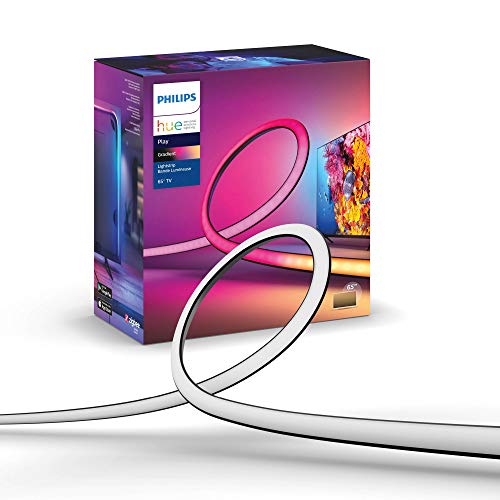
Philips Hue Play Gradient 65" Smart TV Light Strip


As an Amazon Associate we earn from qualifying purchases. Product prices and availability are accurate as of the date/time indicated.
Camera vs HDMI: The Real Difference
A camera kit looks at the screen, so it follows anything you watch: the TV’s Netflix app, cable, a console, or a laptop. The trade-off is accuracy that depends on the room. Govee’s own tips are to avoid strong direct light during setup and calibration.
An HDMI box reads the video signal itself, so room light does not matter and there is no camera on the TV. But it only sees devices plugged into it. Philips states that the Hue Sync Box does not sync with TV apps. If you watch mostly in the TV’s own apps, you would need to move playback to an external streaming device. Our guide to TV backlights without a camera covers the HDMI route across brands.
What Each Setup Costs to Complete
The Govee 3 Lite comes complete. The Hue setup has three parts: the lightstrip, a Hue Bridge, and a Hue Play HDMI Sync Box. At the time of review the complete Hue setup cost several times the 3 Lite at 65 inches. If you already own a Bridge, the gap narrows, but the Sync Box remains a separate purchase. Prices change often, so compare current listings for the pieces you are missing.
Gaming
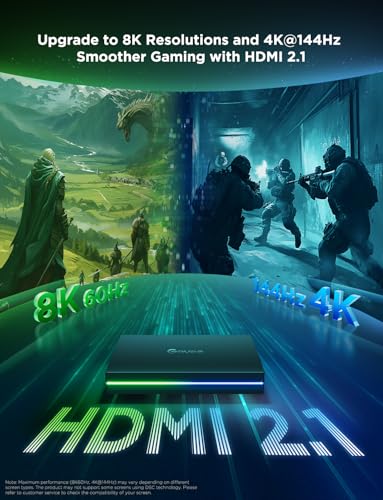
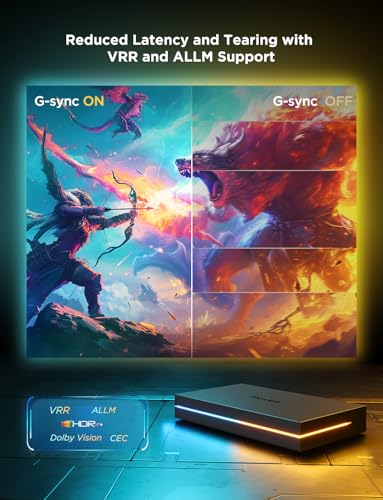
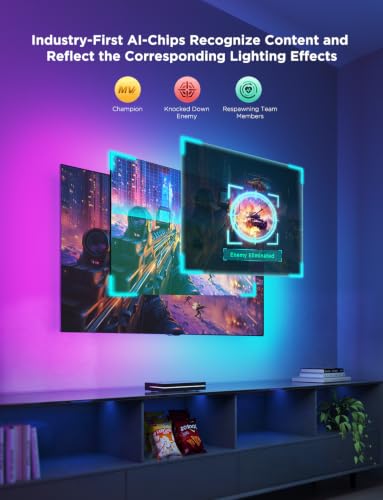
A camera kit never touches the console’s signal, so it cannot limit resolution or refresh rate. With an HDMI box, the box’s HDMI version sets the limit. Philips lists the Hue Play HDMI Sync Box 8K as HDMI 2.1 with 4K at 120Hz and 8K at 60Hz, and up to four inputs. Govee’s HDMI alternative, the AI Sync Box 2, lists 4K at 144Hz with VRR and ALLM. Both suit current consoles; older or 4K-only boxes may not pass 120Hz. See Hue Sync Box 4K vs 8K and TV backlights for gaming.

Prime Govee HDMI 2.1 AI Sync Box 2, 8K/4K @144Hz



As an Amazon Associate we earn from qualifying purchases. Product prices and availability are accurate as of the date/time indicated.
Light Quality
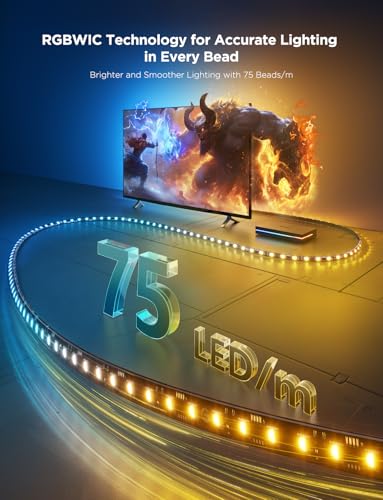
Both offer white light beyond plain RGB: Govee adds a warm white chip to the 3 Lite, and Hue’s White and Color Ambiance range covers warm to cool white. Both strips show several colors along their length. Neither listing gives lumens for the strip, so a brightness comparison by the numbers is not possible from the listings.
App and Smart Home
Hue’s strength is the system around the strip: lamps, ceiling lights, and the TV strip can sync together in one entertainment area and share automations. Govee’s DreamView links the 3 Lite with up to 7 other Govee lights. If you plan a whole-room setup, stay with whichever brand already lights the room. The Govee and Hue strips both work with Alexa and Google Assistant; for Apple Home, the Hue Sync Box listings name it and the 3 Lite does not.
Which One Should You Buy?
- New to smart lighting, watch in the TV’s apps: Govee TV Backlight 3 Lite.
- Already on Hue, watch through a streaming box or console: Philips Hue Play Gradient with the Sync Box.
- Want HDMI sync without buying into Hue: Govee AI Sync Box 2.
- Want Apple Home control: Philips Hue.
Who Should Look Elsewhere
If you want neither a camera nor a separate box, a simple USB strip gives a steady glow without sync, see our TV backlights under $50. If you own Nanoleaf lights, compare Govee vs Nanoleaf 4D.
How We Compared Them
We did not install these products. We compared Govee and Philips listings on Amazon, with ratings checked October 29, 2026. Our full method is on the How We Review page. Single reviews: Govee TV Backlight 3 Lite and Philips Hue Play Gradient Lightstrip.
Final Verdict
For most people starting fresh, the Govee TV Backlight 3 Lite is the better buy: one box, every source, and a much longer rating history. Philips Hue is the better system for homes already built on Hue and for viewers who want sync from the signal with no camera in sight.
Check current pricing and availability for the Govee TV Backlight 3 Lite.
Check current pricing and availability for the Philips Hue Play Gradient Lightstrip.
Frequently Asked Questions
Is Govee as good as Philips Hue for TV sync?
They work differently. Govee’s camera follows every source but depends on room light; Hue’s HDMI box is exact but only for HDMI devices. For most buyers the Govee kit is simpler and costs less.
Can I use a Govee strip with a Hue Sync Box?
No. The Hue Sync Box controls Hue lights through the Hue Bridge.
Does Philips Hue sync with Netflix on my smart TV?
Not through the HDMI Sync Box. Philips states it does not sync with TV apps.
Which one is better for PS5 or Xbox?
A camera kit never limits console output. For HDMI sync, use an HDMI 2.1 box such as the Hue Sync Box 8K or the Govee AI Sync Box 2.
About the author
Ethan Cole leads research and editing at WikiHomeLED, comparing LED lighting for the home through manufacturer specs, manuals, safety listings and owner feedback. Every product is scored against the criteria on our How We Review page, and picks are updated when models change.